WordPress Plugin Integration
What is this? A production-ready WordPress plugin that rewards your site visitors with LTZ tokens for engaging with your content (comments, signups, daily visits, etc.).
Use this if you're: Running a WordPress site and want to reward user engagement and loyalty.
You'll need:
- A WordPress site (self-hosted or WordPress.com Business plan)
- A Loyalteez Partner Account
- 10 minutes
🚀 Quick Start (Recommended)
We've built a production-ready WordPress plugin that handles:
- ✅ Dynamic Event System (add unlimited events)
- ✅ Automatic Rewards for Comments, Signups, Daily Visits
- ✅ Flexible WordPress Hook Integration
- ✅ Server-Side API Calls (no CORS issues)
- ✅ Easy Admin Configuration
📦 View the Repository
Clone the repository and install the plugin:
git clone https://github.com/Alpha4-Labs/wordpress-demo.git
cd wordpress-demo/wordpress-loyalty-plugin
Or download the plugin zip directly.
🎮 Try Live Demo
Test the plugin instantly in your browser using WordPress Playground - no installation required!
How It Works
Plain English Explanation:
- User does something (leaves a comment, signs up, visits daily, etc.)
- WordPress triggers a hook (e.g.,
comment_post,user_register) - Plugin sends event to Loyalteez via server-side API call
- User gets LTZ tokens automatically

Step-by-Step Setup
Step 1: Install the Plugin
Option A: Upload Plugin (Recommended)
- Download the plugin: wordpress-plugin.zip
- Go to WordPress Admin → Plugins → Add New → Upload Plugin
- Upload the zip file and click "Install Now"
- Click "Activate Plugin"
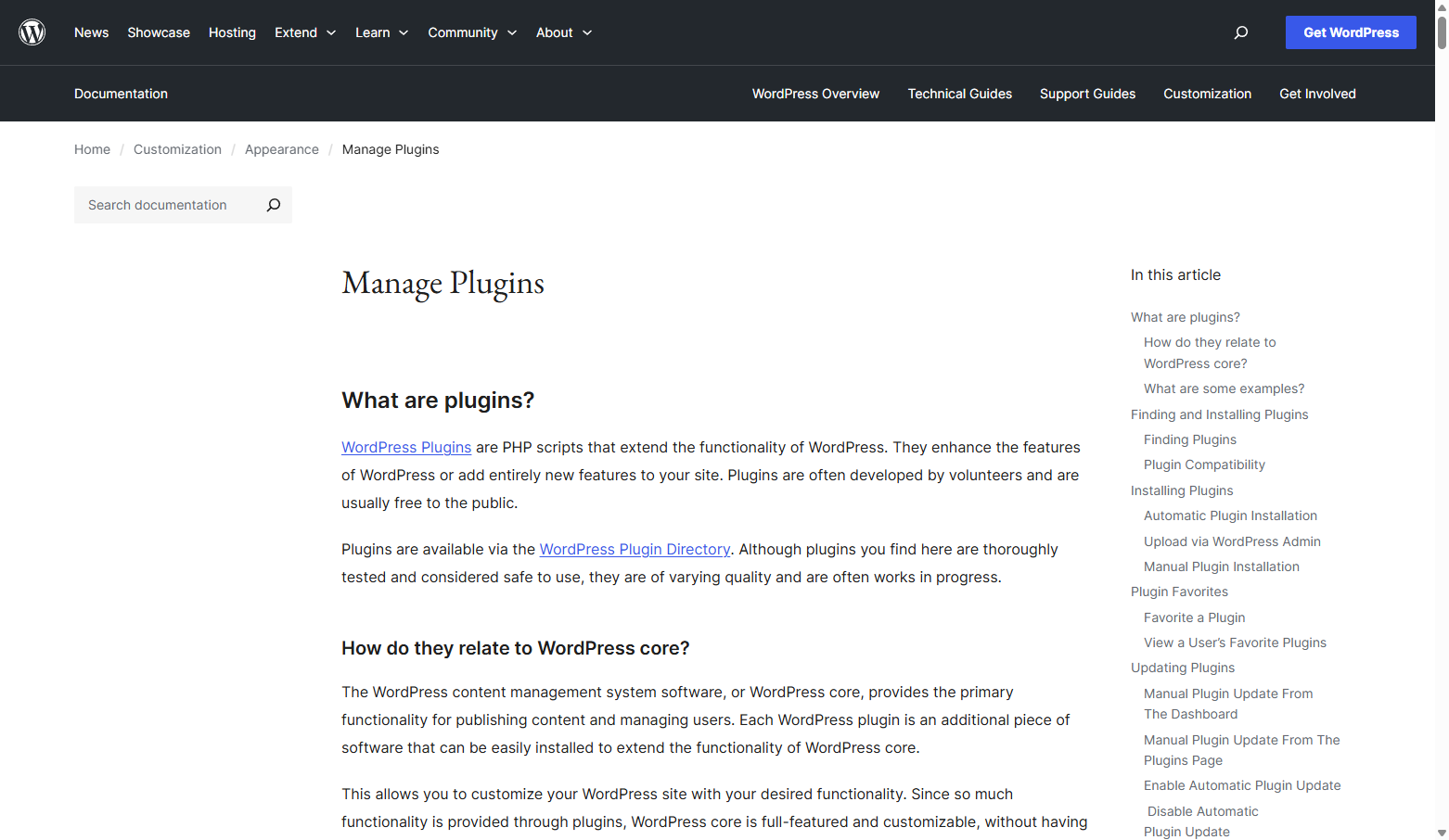 WordPress documentation for managing plugins
Option B: Manual Installation
- Clone the repository:
git clone https://github.com/Alpha4-Labs/wordpress-demo.git - Copy the
wordpress-loyalty-pluginfolder to yourwp-content/plugins/directory - Go to WordPress Admin → Plugins
- Find "Loyalteez Rewards" and click "Activate"
Step 2: Configure the Plugin
- Go to: WordPress Admin → Settings → Loyalteez Rewards
- Enter your Brand ID:
- Log in to Partner Portal
- Copy your Brand Wallet Address from the dashboard
- Paste it into the "Brand ID" field
- Configure Domain Authentication:
- In Partner Portal → Integrations → Channels → WordPress
- Under "Domain", enter your website URL (e.g.,
https://yourbrand.com) - This authenticates events from your domain
Step 3: Add Events
The plugin uses a dynamic event system - add as many events as you need:
- Click "Add Event" in the settings page
- WordPress Hook: Enter the hook name (e.g.,
comment_post,user_register) - Loyalteez Event Name: Enter the exact event name from your Partner Portal
- Enable: Check the box to activate
- Save Changes
Common WordPress Hooks:
comment_post- When a comment is posteduser_register- When a new user registersinit- On every page load (for daily visit tracking)wp_login- When a user logs inpublish_post- When a post is publishedwoocommerce_order_status_completed- WooCommerce order completion
Important: Event names must match exactly what you've configured in Partner Portal → Automation.
Step 4: Test Your Integration
-
Use the Test Button:
- Scroll to "Test API Connection" section
- Enter a test email and event name
- Click "Send Test Event"
- Verify success or check error messages
-
Test Real Events:
- Leave a comment on a post (if
comment_postis configured) - Register a new user (if
user_registeris configured) - Check your Partner Portal → Analytics to see events
- Leave a comment on a post (if
Code Example
Here's how the plugin sends events to Loyalteez:
/**
 * Send event to Loyalteez API
 */
public function send_event($event_type, $email, $metadata = []) {
    $body = [
        'brandId'   => $this->brand_id,
        'eventType' => $event_type,
        'userEmail' => $email,
        'domain'    => parse_url(get_site_url(), PHP_URL_HOST),
        'metadata'  => array_merge([
            'platform'  => 'wordpress',
            'timestamp' => current_time('c'),
        ], $metadata)
    ];

    $response = wp_remote_post('https://api.loyalteez.app/loyalteez-api/manual-event', [
        'body'    => json_encode($body),
        'headers' => [
            'Content-Type' => 'application/json',
            'User-Agent'   => 'Loyalteez-WordPress-Plugin/1.0.0'
        ],
        'timeout' => 15
    ]);

    return wp_remote_retrieve_response_code($response) === 200;
}
Programmatic Event Sending
You can send events from your theme or other plugins:
// Load the API class
require_once WP_PLUGIN_DIR . '/loyalteez-rewards/includes/class-api.php';

// Send a custom event
$api = new Loyalteez_API();
$api->send_event('custom_event_name', '[email protected]', [
    'custom_data' => 'value',
    'source' => 'my_custom_function'
]);
Reward Strategies
Strategy 1: Comment Rewards
Why: Encourages engagement and discussion.
How: Configure comment_post hook → post_comment event.
Strategy 2: Daily Visit Rewards
Why: Encourages repeat visits and daily engagement.
How: Configure init hook → daily_visit event (plugin handles 24-hour cooldown).
Strategy 3: Signup Rewards
Why: Rewards new user registration, encourages account creation.
How: Configure user_register hook → user_registration event.
Strategy 4: Content Sharing
Why: Encourages social sharing and viral growth.
How: Add share buttons with loyalteez-share class (plugin handles AJAX).
User Dashboard
The plugin includes a full-featured user dashboard accessible via shortcodes.
For detailed shortcode reference with parameters, examples, and styling options, see:
Dashboard Shortcode
[loyalteez_dashboard]
Displays a complete loyalty dashboard with tabs for balance, streak, leaderboard, perks, and achievements.
Usage:
// In any post, page, or widget
[loyalteez_dashboard]
Features:
- Balance Tab: Shows current LTZ balance
- Streak Tab: Daily check-in, streak display, milestone claims
- Leaderboard Tab: Rankings with metric and period filters
- Perks Tab: Browse and redeem perks
- Achievements Tab: View achievement progress
Requirements:
- User must be logged in
- Brand ID must be configured in plugin settings
Individual Shortcodes
[loyalteez_balance]
Display user's LTZ balance:
[loyalteez_balance]
[loyalteez_streak]
Display streak widget with check-in button:
[loyalteez_streak]
[loyalteez_leaderboard]
Display leaderboard with optional parameters:
[loyalteez_leaderboard metric="ltz_earned" period="week" limit="10"]
Parameters:
metric:ltz_earned,activity,streak,claims(default:ltz_earned)period:week,month,all(default:week)limit: Number of entries (default:10)
[loyalteez_perks]
Display available perks:
[loyalteez_perks category="all"]
Parameters:
category:all,digital,physical,exclusive(default:all)
REST API Endpoints
The plugin exposes REST API endpoints for AJAX interactions. For complete API documentation, see WordPress REST API Reference.
Available Endpoints:
POST /wp-json/loyalteez/v1/checkin- Daily check-inPOST /wp-json/loyalteez/v1/redeem- Perk redemptionPOST /wp-json/loyalteez/v1/claim-milestone- Claim streak milestoneGET /wp-json/loyalteez/v1/leaderboard- Get leaderboard rankings
Get Leaderboard:
GET /wp-json/loyalteez/v1/leaderboard?metric=ltz_earned&period=week&limit=10
Response:
{
  "success": true,
  "leaderboard": [
    {
      "rank": 1,
      "userIdentifier": "[email protected]",
      "displayName": "Alice",
      "platform": "wordpress",
      "value": 5000,
      "formattedValue": "5,000 LTZ"
    }
  ],
  "metric": "ltz_earned",
  "period": "week"
}
Daily Check-in:
POST /wp-json/loyalteez/v1/checkin
Request:
{
  "userIdentifier": "[email protected]"
}
Response:
{
  "success": true,
  "streak": {
    "currentStreak": 5,
    "multiplier": 1.25,
    "nextMilestone": { "days": 7, "bonus": 100 }
  },
  "reward": 12
}
Redeem Perk:
POST /wp-json/loyalteez/v1/redeem
Request:
{
  "userIdentifier": "[email protected]",
  "perkId": "550e8400-e29b-41d4-a716-446655440000"
}
Response:
{
  "success": true,
  "confirmationCode": "ABC12345",
  "perk": {
    "name": "10% Discount Code",
    "description": "Get 10% off your next purchase"
  }
}
AJAX Integration
The dashboard uses AJAX for interactive features:
Check-in Handler:
jQuery.post(loyalteezData.apiUrl + '/wp-json/loyalteez/v1/checkin', {
    userIdentifier: loyalteezData.userIdentifier
}, function(response) {
    if (response.success) {
        // Update streak display
        updateStreakDisplay(response.streak);
        // Show success message
        showMessage('Checked in! +' + response.reward + ' LTZ');
    }
});
Leaderboard Loader:
jQuery.get(loyalteezData.apiUrl + '/wp-json/loyalteez/v1/leaderboard', {
    metric: 'ltz_earned',
    period: 'week',
    limit: 10
}, function(response) {
    if (response.success) {
        renderLeaderboard(response.leaderboard);
    }
});
Dashboard Customization
Customize dashboard appearance via CSS:
.loyalteez-dashboard {
    max-width: 800px;
    margin: 0 auto;
    padding: 20px;
}

.dashboard-tabs .tab-button.active {
    background: #8CBC99;
    color: white;
}

.streak-display {
    text-align: center;
    padding: 20px;
}
Shared Services Integration
The dashboard uses Loyalteez Shared Services:
- Streak Service:
/streak/record-activity,/streak/status - Leaderboard Service:
/leaderboard/:brandId - Achievement Service:
/achievements/:brandId/:userIdentifier - Perks Service:
/perks/:brandId,/perks/redeem
Configure shared services URL in plugin settings (default: https://services.loyalteez.app).
See Shared Services Overview for details.
Frontend Integration
Add Share Buttons
The plugin includes frontend JavaScript for share rewards:
<button class="loyalteez-share" data-url="https://yourbrand.com/awesome-post">
    Share for Rewards
</button>
The plugin automatically:
- Prompts for email if user isn't logged in
- Sends AJAX request to WordPress backend
- WordPress backend calls Loyalteez API
- Shows success/error message
Custom Frontend Events
You can trigger events from JavaScript:
// Via WordPress AJAX (requires nonce)
jQuery.post(ajaxurl, {
    action: 'loyalteez_custom_event',
    nonce: loyalteez_vars.nonce,
    event_name: 'custom_action',
    email: '[email protected]',
    metadata: { custom: 'data' }
});
Troubleshooting
"Events aren't triggering"
Check:
- Are events enabled in plugin settings?
- Do event names match Partner Portal exactly?
- Enable Debug Mode and check
wp-content/debug.log - Use "Test API Connection" button
"API returns 403 Forbidden"
Check:
- Is your domain configured in Partner Portal → Settings → Profile → Domain?
- Domain must match exactly (including
https://orwww) - Example: If your site is
https://yourbrand.com, enter exactly that
"API returns 400 Bad Request"
Check:
- Does the event name exist in Partner Portal → Automation?
- Event names are case-sensitive
- Use "Test API Connection" to see exact error message
"No CORS errors but events don't work"
Note: The plugin makes server-side API calls (no browser CORS). If you see CORS errors, they're from:
- WordPress Playground loading the plugin zip (use proxy URL)
- Frontend JavaScript (check browser console)
Debug Mode
Enable Debug Mode in plugin settings to log all API requests/responses:
- Go to Settings → Loyalteez Rewards
- Check "Enable Debug Logging"
- Ensure
WP_DEBUGis enabled inwp-config.php:define('WP_DEBUG', true);
define('WP_DEBUG_LOG', true); - Check
wp-content/debug.logfor[Loyalteez]entries
Architecture Notes
Server-Side Processing
- All API calls are made server-side via PHP
wp_remote_post() - No browser CORS issues
- Secure (API keys never exposed to frontend)
Dynamic Hook System
- Plugin dynamically registers WordPress hooks based on configuration
- Supports any WordPress action hook
- Automatically extracts user email from hook context when possible
Domain Authentication
- Each event includes your site's domain
- Partner Portal validates domain matches configured website URL
- Prevents unauthorized use of your Brand ID
Support
- Official Repository: github.com/Alpha4-Labs/wordpress-demo
- Live Demo: WordPress Playground
- WordPress Hooks: WordPress Developer Reference
- Loyalteez API: Event Handler API
- Shared Services: Shared Services Overview
- Need help? [email protected]